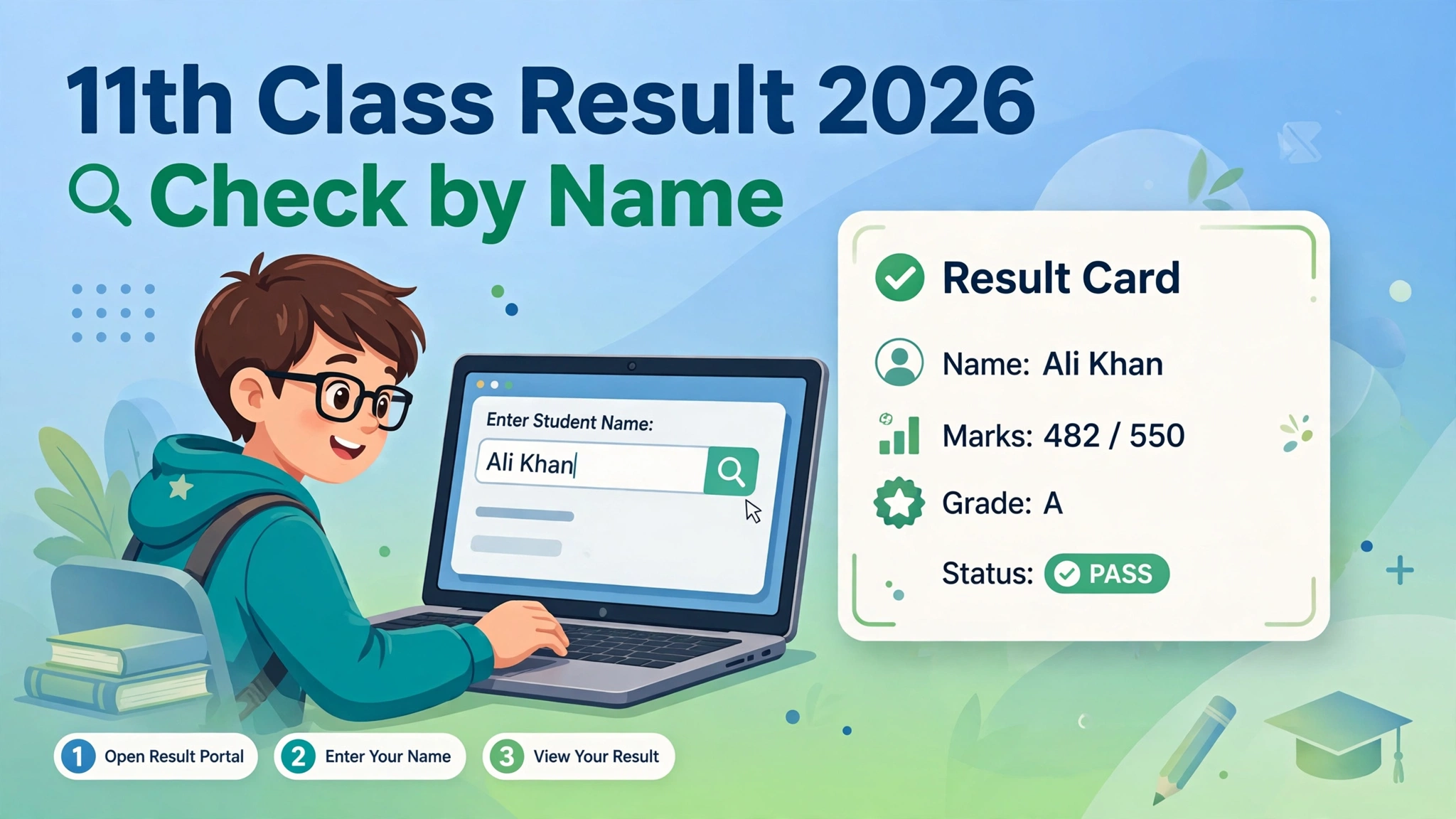
The 11th class result 2026 gazette is the complete official result book of your board — every student’s result in one searchable PDF. All nine Punjab boards publish the 11th class result together on Thursday, 22 October 2026 at 10:00 AM (PKT), and each board uploads its own gazette PDF to its official website shortly after the announcement.
If board websites slow down under result-day traffic, the downloaded gazette keeps working offline. This guide shows where each board publishes its gazette, how to download the PDF, and how to find your marks inside it in seconds.
11th Class Result 2026 Gazette – Quick Facts
- Examination: HSSC Part-I (11th class), annual 2026
- Result date: 22 October 2026, 10:00 AM (PKT), all nine Punjab boards
- Document: official result gazette, free PDF from your own board’s website
- Search inside the PDF: roll number (fastest) or full name with Ctrl+F
- Price: free — never pay a third-party site for the gazette
All Punjab Boards 11th Class Result 2026 Gazette – Official Sources
Each board publishes its own gazette. Open your own board’s official website on result day and look under the Results, Downloads or Notifications section for the “HSSC Part-I Result Gazette 2026” link. Board website menus change often, so use the site’s search box if the link is not visible immediately.
- Lahore Board — biselahore.com
- Gujranwala Board — bisegrw.edu.pk
- Faisalabad Board — bisefsd.edu.pk
- Multan Board — bisemultan.edu.pk
- Rawalpindi Board — biserwp.edu.pk
- Sargodha Board — bisesargodha.edu.pk
- Bahawalpur Board — bisebwp.edu.pk
- Dera Ghazi Khan Board — bisedgkhan.edu.pk
- Sahiwal Board — bisesahiwal.edu.pk
Do not download the gazette from random websites. Third-party pages often host old gazettes from previous years, which will mislead you.
How to Download the 11th Class Result 2026 Gazette PDF
Step 1 — Open your own board’s website. Use the board your college or examination centre falls under, not a different board’s site.
Step 2 — Find the results section. Open the Results or Notifications page and locate the Intermediate Part-I (11th class) annual examination 2026 result.
Step 3 — Spot the gazette link. Boards label it “Result Gazette”, “Gazette PDF” or “HSSC Part-I Gazette 2026”. If it is missing, the board has not uploaded it yet — check back after 10:00 AM on 22 October.
Step 4 — Download the file. Save the PDF to your phone or computer. The file is large, so use Wi-Fi and confirm the file name mentions your board and the 2026 session before you open it.
Step 5 — Search your result. Open the PDF and press Ctrl+F on a computer, or tap Find in your phone’s PDF reader. Type your roll number to jump straight to your entry.
Step 6 — Confirm the details. Match your name, father’s name, roll number and marks. If anything looks wrong, check your individual online result and contact your board or college.
Check 11th Class Result by Roll Number in the Gazette
Roll-number search is the fastest way through a gazette because every entry carries a unique roll number.
- Open your board’s gazette PDF in any PDF reader.
- Press Ctrl+F (computer) or tap the search icon (phone).
- Type your complete roll number exactly as printed on your roll number slip.
- Step through the matches and read your marks and result status carefully.
A few boards upload the gazette as a scanned document instead of searchable text. If search finds nothing, try an OCR-enabled PDF reader, or fall back to the board’s online result portal or the SMS method. Searching by name works in most gazettes too — type your full name exactly as written on your admission form — but roll numbers are more reliable, since many students share the same name.
What Information Does the 11th Class Gazette Contain?
- Student roll numbers and names of candidates
- Subject-wise marks where the board includes them
- Total marks, aggregate or result status (pass/fail)
- Examination name, session and board identification
The exact layout differs from board to board. A gazette is the published result record, not a detailed marks certificate — collect your official result card from your college for admissions and official use.
5 Reasons to Download the 1st Year Result Gazette 2026
One file, every result. Teachers and college offices can look up dozens of students without opening the result portal again and again.
Works when websites crash. Once downloaded, the PDF opens offline — no waiting for a slow board server on result day.
A permanent record. Save the 2026 gazette on your device or print the pages you need for your personal file.
Cross-checking. Compare your gazette entry with the online result card to be sure both show the same marks.
Name search backup. Lost your roll number slip? The gazette lets you search by name — our 11th class result by name guide explains the exact spelling rule.
Gazette PDF Not Downloading? Try These Fixes
- Link is missing — the board has not published it yet; check the latest notifications and return after the 10:00 AM announcement.
- PDF will not open — try a different PDF reader or a different browser.
- Download is very slow — retry on Wi-Fi or wait an hour; millions of students download at once.
- Search finds nothing — the file may be a scanned image; use an OCR reader or the online result portal.
- Wrong year’s file — always verify the PDF is for the 2026 examination and your own board.
- Marks do not match — trust the board’s official individual result and contact your board if the mismatch persists.
Never install software or share personal details to “unlock” a gazette download — official board gazettes are free and need no registration.
Gazette PDF vs Online Result Portal
The gazette suits searching and reviewing many entries at once, works offline after download, and keeps working when the portal is overloaded.
The online result portal is faster for one quick personal check — one roll number, one full marks card instantly.
Most students should use both: the portal for the instant answer, the gazette as backup and for searching by name. Related guides: 1st year result 2026 and position holders list.
11th Class Result 2026 Gazette – FAQs
When will the 11th class result 2026 gazette PDF be available?
Shortly after the result announcement at 10:00 AM on 22 October 2026. Each board uploads its own gazette to its official website — check the Results or Downloads section.
Can I download one gazette for all Punjab boards?
No. Each of the nine boards publishes a separate gazette. Download only your own board’s file.
How do I check my result by name in the gazette?
Open the PDF, press Ctrl+F (or Find on your phone) and type your full name exactly as on your admission form. Roll-number search is more reliable when names are shared.
Is the gazette free to download?
Yes. Every board publishes it free on its official website. Any site charging money for it is not an official source.
What if my marks in the gazette look wrong?
Compare with your official online result card, then contact your board or college about the correction procedure. Apply for rechecking within the board’s deadline if you believe a paper was mis-marked.
Disclaimer: amuoba.pk is an informational website and is not an official website of any BISE board or education authority. Result dates follow the expected schedule — always verify your result from your board’s official website.