
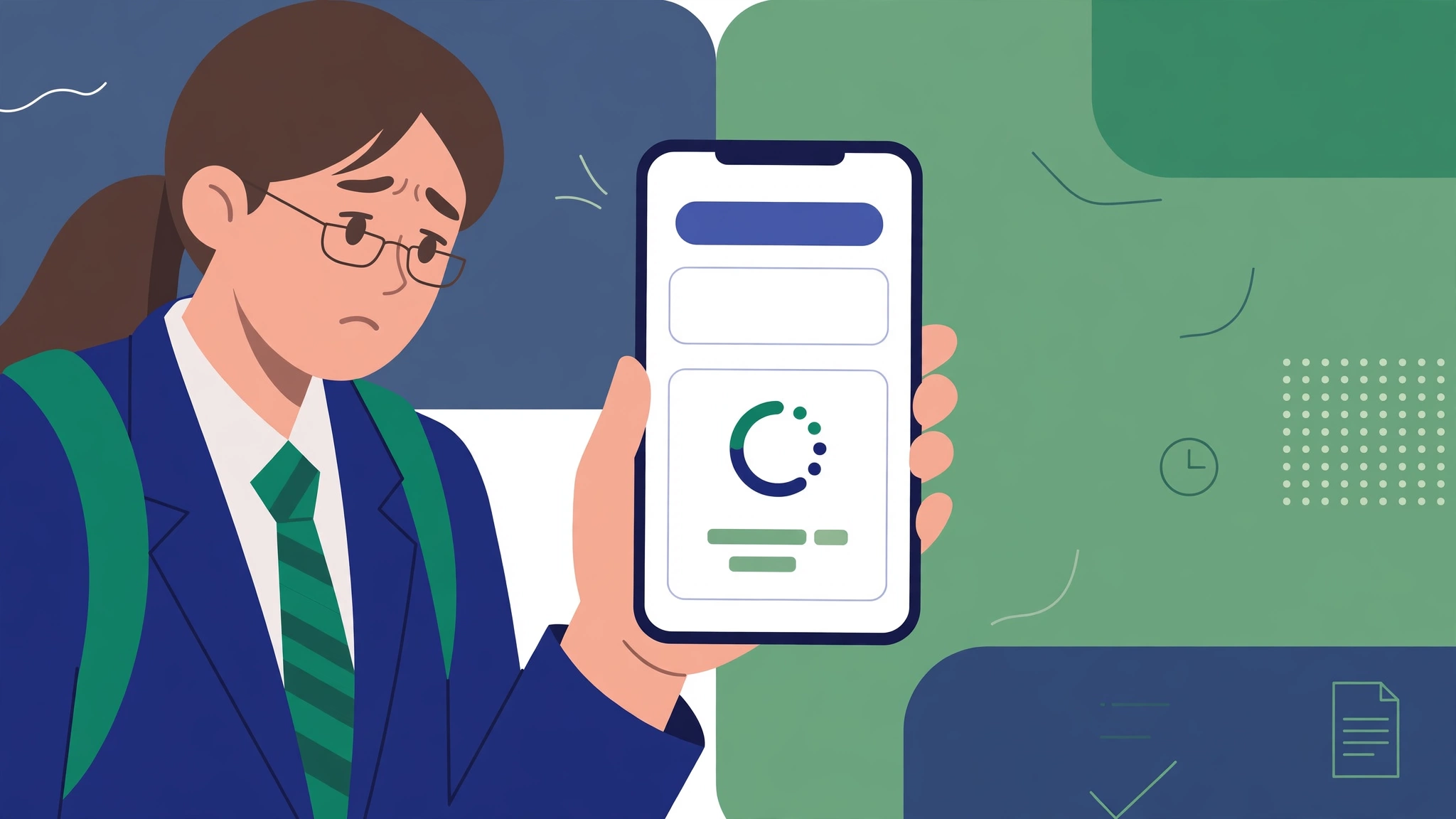
When examination results are announced, thousands of students try to access their marks online at the same time. This sudden increase in traffic can make a Board of Intermediate and Secondary Education (BISE) website slow, unresponsive, or temporarily unavailable. If you cannot open the result page, there is no need to panic.
The problem may be caused by heavy traffic, an internet connection issue, browser errors, or temporary maintenance. Fortunately, you can try several practical solutions to check your result without repeatedly refreshing the same page.
This guide explains what to do when a BISE website is not opening on result day, how to check your marks through alternative methods, and how to avoid common mistakes.
Why Is the BISE Website Not Opening?
Before trying different solutions, identify what might be preventing the result page from loading.
Heavy website traffic: Thousands of students may access the board’s result portal simultaneously.
Slow internet connection: An unstable network can prevent the page from loading properly.
Server timeout: The website may take too long to respond because its server is overloaded.
Browser problems: Cached files, cookies, or outdated browser software can sometimes cause loading errors.
Incorrect website address: An unofficial or outdated link may lead to an unavailable page.
Temporary technical maintenance: The board may be updating its website or result system.
A website that fails to open does not necessarily mean your result has been delayed or that your marks are unavailable.
7 Ways to Fix a BISE Website That Is Not Working
Try these solutions one by one. You do not need to use all of them if the result page starts working.
1. Wait a Few Minutes and Try Again
If the website is overloaded, waiting briefly can be more effective than refreshing continuously. Close the result page, wait five to ten minutes, and open it again.
The board’s server may become more responsive as traffic decreases.
2. Open the Official Board Website
Make sure you are visiting the correct BISE website for your examination board. Pakistan has multiple educational boards, and each may publish results through its own portal.
For example, students should use the relevant official website for their board rather than relying on an unfamiliar link shared on social media.
3. Check Your Internet Connection
Switch between Wi-Fi and mobile data to see whether the problem is related to your network. You can also open another trusted website to check whether your internet connection is working.
If other websites load normally but the BISE portal does not, the issue may be with the board’s website.
4. Try Another Browser or Device
Sometimes, a browser error prevents a result page from opening correctly.
Try these simple steps:
- Open the website in Chrome, Firefox, or another updated browser.
- Use a different phone or computer if available.
- Open a private or incognito window.
- Clear the browser cache if the page continues to display an error.
Avoid installing unknown applications or browser extensions that claim to unlock examination results.
5. Avoid Repeatedly Refreshing the Page
Refreshing the page every second will not necessarily make the website work faster. It may also waste your time and data.
Instead, wait a few minutes between attempts. If the official portal remains unavailable, move to another method of checking your result.
6. Try the Result Page Again Later
Sometimes, the main board website opens while the result section remains unavailable. If the homepage loads but the results page does not, the result service itself may be experiencing heavy traffic.
Use the board’s official announcements to confirm the result status and any alternative checking instructions.
7. Contact the Board if the Problem Continues
If the website remains unavailable for an extended period, contact your board through the phone number, email address, or help desk listed on its official website.
Provide your examination class, roll number if requested, and a brief description of the technical problem. Never share your examination credentials or personal information with an unverified website.
Alternative Ways to Check Your BISE Result
If the online result portal is unavailable, you may be able to check your marks through another official channel.
1. Check by SMS
Each Punjab board runs an SMS result service. Type your roll number and send it as a text message to your board’s official code:
- Lahore board: 800291.
- Gujranwala board: 800299.
- Multan board: 800293.
- Faisalabad board: 800240.
- Rawalpindi board: 800296.
- Bahawalpur board: 800298.
- Sargodha board: 800290.
- Dera Ghazi Khan board: 800295.
- Sahiwal board: 800292.
You will receive your result as a reply message. Service availability and charges may vary, so confirm the instructions on your board’s official website if the SMS does not go through.
2. Download the Result Gazette
Some boards publish a PDF result gazette containing students’ results. If it is available, download it from the official board website and search for your roll number or name. Large PDF files may take time to open.
3. Contact Your School
Your school may receive official result information or guidance from the relevant board. Contact the administration if the online portal and other checking options are unavailable.
Important: SMS, gazette, and school-based options depend on the board and examination. Confirm which services are available for your particular result.
What Should You Do If Your Result Is Urgent?
If you need your marks for admission, scholarship applications, or another deadline, follow this order:
- Confirm that the result has officially been announced.
- Visit your board’s official website.
- Try the result portal after a short wait.
- Check whether the board offers SMS results or an official gazette.
- Contact your school or board if you still cannot access your marks.
- Keep your roll number ready, but avoid entering it on suspicious third-party websites.
Common BISE Website Errors and Their Solutions
| Error | Solution |
|---|---|
| Website not opening | Check the official URL and try again later. |
| Server error | Wait for the board’s server to recover. |
| Page loading continuously | Test your connection and try another browser. |
| Result not found | Verify your roll number, class, examination session, and result announcement. |
| Blank result page | Reload after a short wait or try another device. |
| Gazette not downloading | Check your connection and try downloading the official PDF again. |
These solutions address common technical problems, but the correct fix depends on the error displayed.
Is My Result Delayed If the BISE Website Is Down?
Not necessarily. A website outage and a result announcement delay are two different things.
The result may already be published while the portal is struggling to handle requests. Alternatively, the board may not have released the results yet.
To avoid confusion, check the official announcement for your board and examination session. Do not assume that a result has been postponed simply because the website is unavailable.
How to Stay Safe While Checking Examination Results
Result day often brings a large number of unofficial links and social media posts. Protect your personal information by following these precautions:
- Use the official BISE website whenever possible.
- Verify SMS codes and alternative result links through the board.
- Avoid websites that demand unnecessary personal details or payment to reveal marks.
- Do not download unknown files claiming to contain your result.
- Double-check your roll number before submitting it.
- Save or print your result card only from an authorized source.
These precautions can help you avoid misinformation and fraudulent result-checking services.
Frequently Asked Questions
Why is the BISE website slow on result day?
The website may be receiving more visitors than its servers can handle. Heavy traffic can increase loading times or temporarily prevent access.
What should I do if the BISE result page is not loading?
Check your internet connection, verify the official website address, try another browser, and wait a few minutes before trying again. You can also check whether your board offers an SMS service or result gazette.
Can I check my BISE result without opening the website?
Possibly. Depending on your board, you may be able to check through SMS, an official gazette, or your school. Confirm the available methods with your board.
Why does the website show a server error?
A server error can indicate a temporary technical problem, high traffic, or a service issue. It does not automatically mean that your result is incorrect or unavailable.
What if my roll number shows no result?
First, verify the roll number, examination year, class, and relevant board. If the result has officially been announced and the issue persists, contact your board or school.
Is it safe to use another website to check my marks?
Use caution. Prefer official board portals and authorized services. Avoid entering personal information on websites whose authenticity you cannot verify.
When should I try checking my result again?
There is no guaranteed waiting period. Try again after a few minutes and follow official board updates if the problem continues.
Final Words
A BISE website that stops working on result day can be frustrating, especially when you are waiting to see your examination marks. In many cases, the problem is temporary and may be related to high traffic or a technical issue.
Stay calm, verify the official result announcement, and try the available solutions one at a time. If the website remains unavailable, use an officially supported alternative or contact your educational board.
Have your roll number ready, use trusted sources, and do not assume your result is delayed until the board confirms it.
Disclaimer: amuoba.pk is an informational website and is not an official BISE website. Always confirm dates, codes, and procedures on your board’s official website.


1 thought on “What to Do If the BISE Website Is Not Opening on Result Day”