
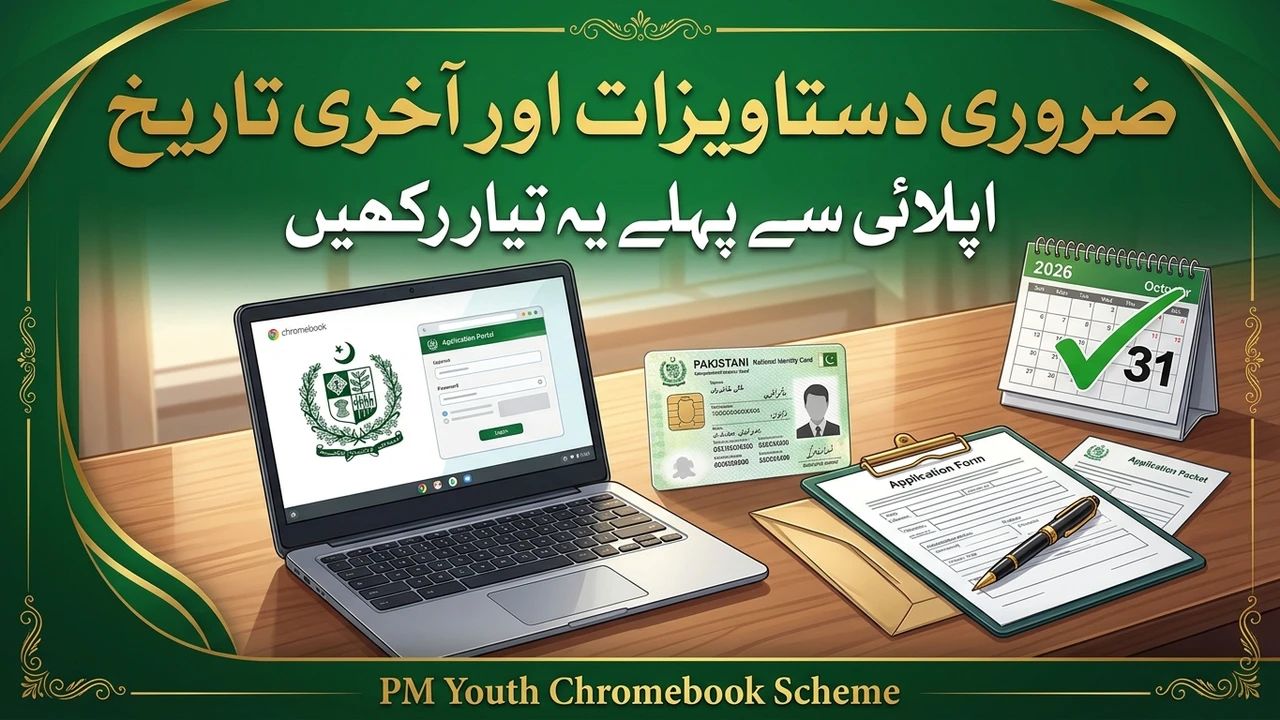
Most rejected or stuck Chromebook applications fail on two things: documents that are too large or unclear, and a last date that has already passed. This guide covers exactly which documents you need, the size rules for each file, and how the board-wise deadlines work — so your application does not fail on a technicality.
Key Details
| Detail | Information |
|---|---|
| Scheme | Prime Minister’s Youth Chromebook Scheme 2026 |
| Official portal | pmychromebooks.ibcc.edu.pk |
| Maximum file size | 300 KB per document |
| Documents needed | 4 (photograph, mark sheet, B-Form/CNIC, guardian CNIC) |
| Attestation | Required on both CNIC/B-Form copies |
| Last date | Set by each education board separately |
| After submission | Reference number + downloadable slip; no edits allowed |
Documents Required
The IBCC portal lists four documents. Every file must be clearly readable, and none may be larger than 300 KB:
| Document | Format | Size limit | Notes |
|---|---|---|---|
| Recent colour photograph | JPG or PNG | Up to 300 KB | Front-facing, plain background |
| Mark sheet | JPG, PNG or PDF | Up to 300 KB | SSC-I (Grade 9) or SSC-II (Grade 10) as applicable |
| B-Form or CNIC copy (attested) | JPG, PNG or PDF | Up to 300 KB | Attested copy of the student’s B-Form or CNIC |
| Father or guardian’s CNIC copy (attested) | JPG, PNG or PDF | Up to 300 KB | Attested copy |
Attestation matters. An unattested CNIC or B-Form copy does not meet the requirement, so get both copies attested before you start. A blurred photograph or a mark sheet photo in which the marks cannot be read will also hold up your application — scan or photograph documents in good light and check each file before uploading.
How to Prepare Your Files
Keep your files small without making them unreadable. If a scan is larger than 300 KB, reduce its size or take a clear phone photo instead, then check that every word and number is still readable. Name your files simply so you can find them during upload, and keep all four ready before opening the portal — the form asks for them in one flow, and preparing in advance avoids mistakes made in a hurry.
What Is the Last Date?
There is no single nationwide last date for this scheme. Each education board sets its own deadline, and you must follow your own board’s official notification. This is the point most students miss: a date shared for one board does not apply to another.
For example, BISE Lahore and the AJK board set 19 October 2026 as their last date, which has already passed. Students of those boards who did not apply in time should contact their board for guidance instead of trusting unofficial websites that claim the window is still open. Students of other boards should check their board’s latest notice right now, because deadlines are board-wise and can close without a nationwide announcement.
After You Submit
Once you submit, you cannot change the form yourself — the portal states this clearly, and it asks you to check everything on the review screen first. After submission you will receive a reference number and a slip to download. Save both immediately; they are your proof that the application was submitted.
If any information in the application is found to be false, the Chromebook allocation is cancelled and further action may follow. Never let anyone else submit the form for you with details you have not checked.
Common Mistakes to Avoid
The most common mistakes are: uploading files larger than 300 KB; uploading unattested CNIC copies; submitting without checking the review screen; applying on a fake website instead of pmychromebooks.ibcc.edu.pk; paying an agent who promises a guaranteed Chromebook; and assuming a last date from another board applies to you. Avoid all six, and your application will stand on its own merit.
Frequently Asked Questions
How many documents are required?
Four: a recent colour photograph, your mark sheet, an attested copy of your B-Form or CNIC, and an attested copy of your father or guardian’s CNIC.
What is the maximum file size?
Each file must be no larger than 300 KB, and must be clearly readable.
Which formats are accepted?
The photograph must be JPG or PNG. The other three documents can be JPG, PNG or PDF.
Do the CNIC copies need attestation?
Yes. Both the student’s B-Form/CNIC copy and the father or guardian’s CNIC copy must be attested.
What is the last date to apply?
It differs by education board. BISE Lahore and the AJK board set 19 October 2026, which has passed. Check your own board’s official notification for your deadline.
Can I edit my application after submitting?
No. Once submitted, you cannot change the form yourself, so review everything first.
What do I get after submission?
A reference number and a slip to download. Save both as proof of your application.
What happens if my information is wrong?
False information cancels the Chromebook allocation and may lead to further action.
Final Words
Prepare your four documents under 300 KB each, get the CNIC copies attested, confirm your board’s last date, and only then submit on the official portal. A careful application takes a few extra minutes and avoids the mistakes that cost students their chance.
Read Also: How to Apply for PM Youth Chromebook Scheme in Pakistan
Read Also: PM Youth Chromebook Scheme 2026 Eligibility Criteria: Who Can Apply
Disclaimer: amuoba.pk is not an official government website. This article is for information only. Always verify documents, deadlines and instructions on the official IBCC portal (pmychromebooks.ibcc.edu.pk) and your education board’s official notices.

1 thought on “PM Youth Chromebook Scheme Documents & Last Date 2026”